parenting

SNOO Levels Explained: Blue Baseline Through Level 4

By
SNOO Levels Explained: Blue Baseline Through Level 4

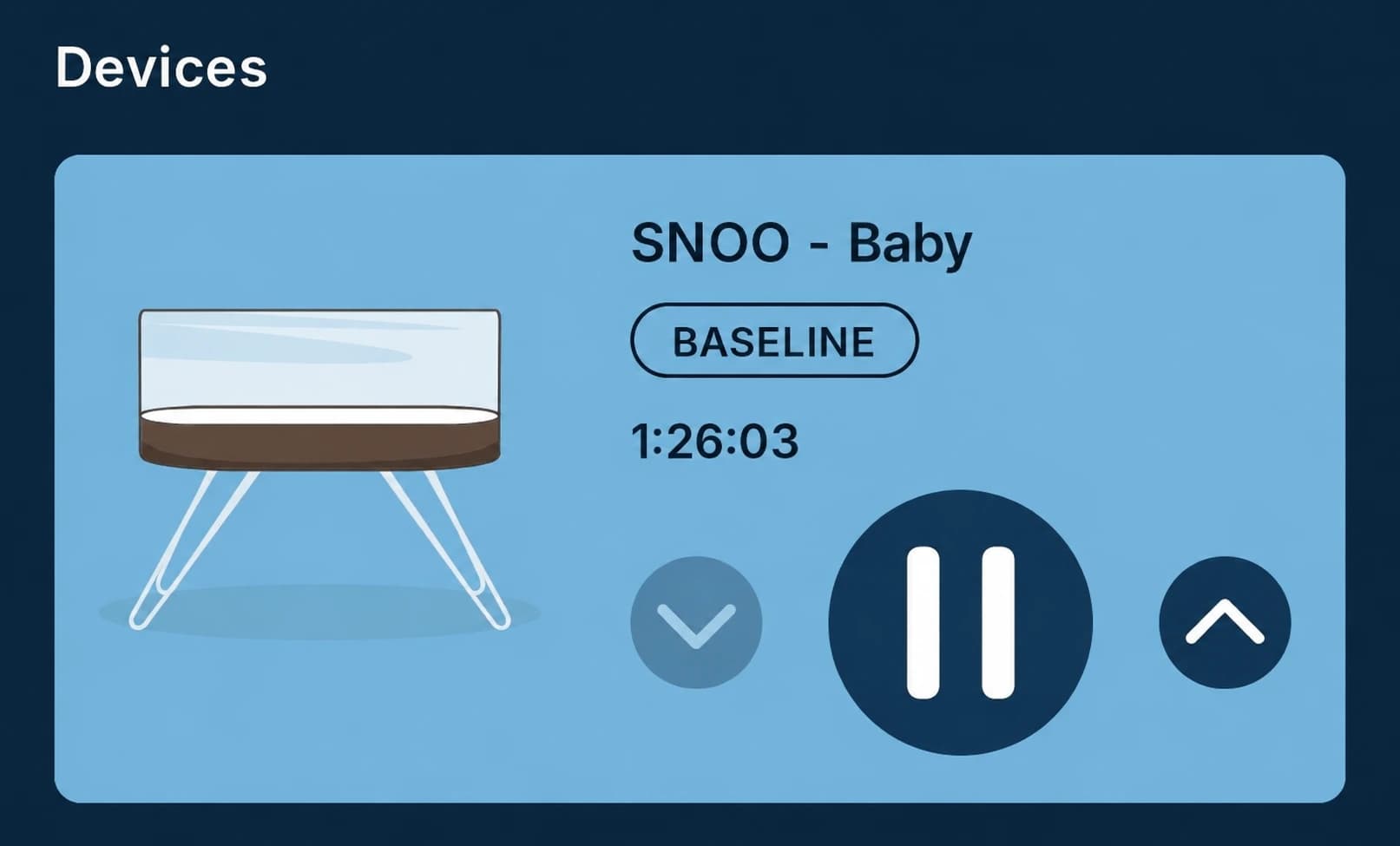
SNOO begins at a gentle blue baseline, then can move through four stronger response levels when it detects crying: purple, green, yellow and pink. When the baby settles, it steps back toward baseline. If crying continues and SNOO cannot settle the baby, it stops and alerts the caregiver.

The colors are easier to understand once you separate four different controls: the live response level, Motion Limiter, Motion Start Level and Level Lock.

The practical rule: A higher level is not a contest to “win.” If the baby is hungry, wet, sick, too hot or cold, in pain or simply needs contact, pick them up and respond.

SNOO color and level chart

SNOO response levels shown in the app and activity-button color

Display colorNameWhat changesWhat happens next
BlueBaselineGentle everyday sound and motionStays here while sleep is calm
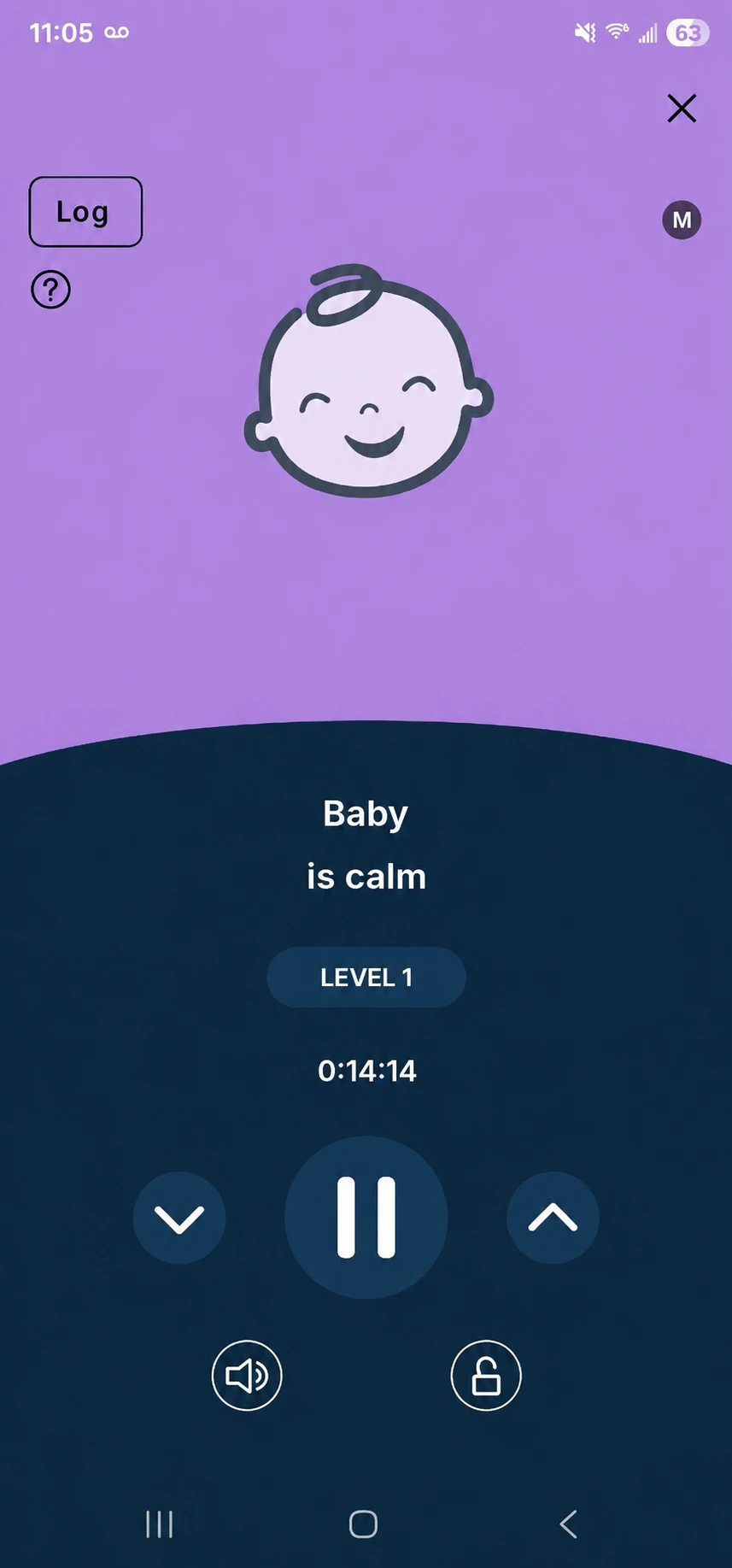
PurpleLevel 1Sound and motion increaseReturns lower if the baby settles or rises if crying continues
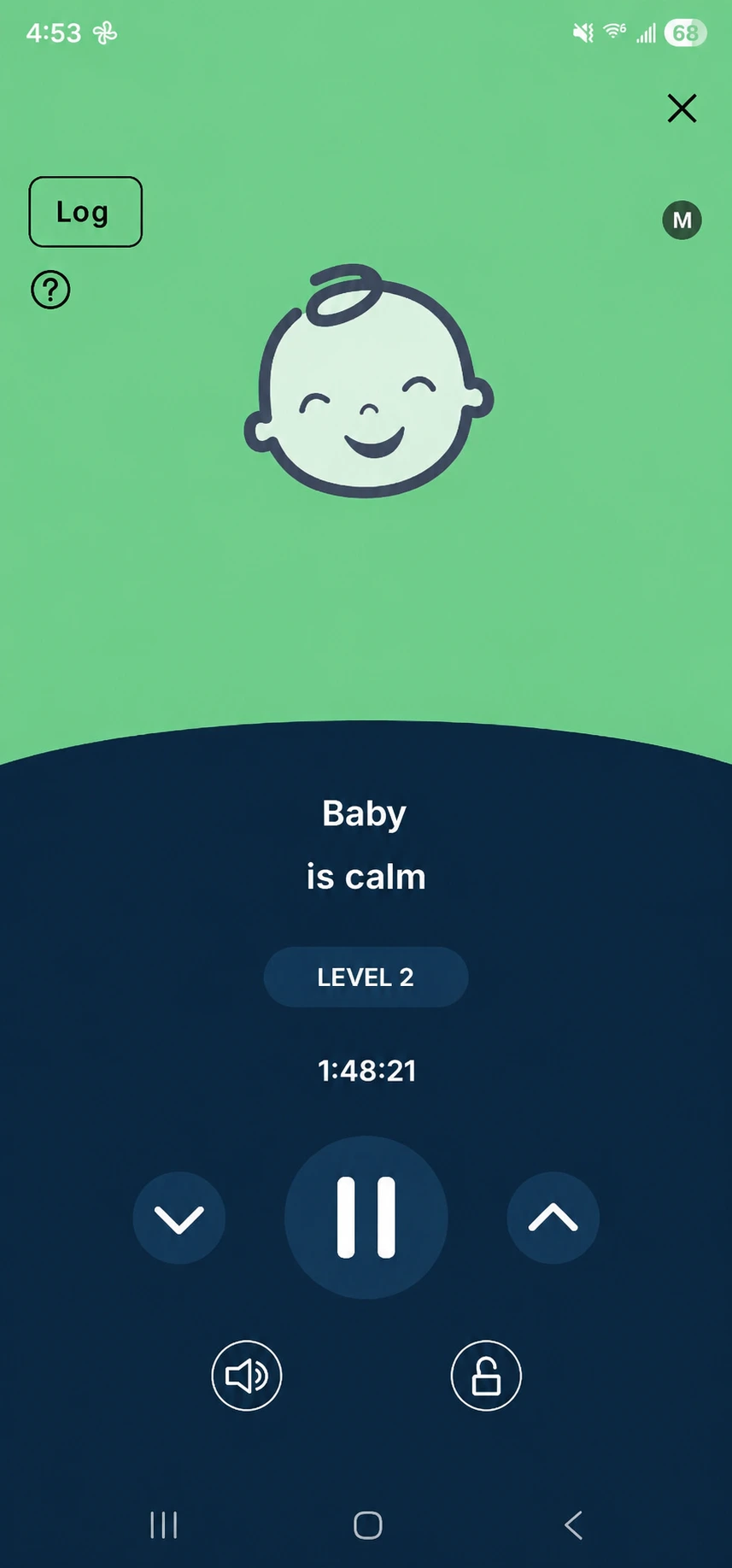
GreenLevel 2A stronger response; default Motion Limiter ceilingCan rise only when Motion Limiter is off
YellowLevel 3Higher sound and faster motionContinues briefly while monitoring the response
PinkLevel 4Highest automatic response levelReturns lower if soothing works; stops if crying continues
Red alertNeeds caregiverSNOO has stopped after it could not settle the cryingCheck and care for the baby

Happiest Baby's current response-level page shows the same sequence: blue, purple, green, yellow and pink. Product language and app design can change, so use the current manual for the final word.

Blue: normal baseline

Blue is the ordinary starting state. SNOO rocks and plays its baseline sound while monitoring for fussing.

Most owners should learn the bassinet at baseline before changing sensitivity, start level and locks. If several settings move at once, it becomes hard to know whether SNOO reacted to the baby, the room or the configuration.

Purple: Level 1

Purple is the first step above baseline. Sound and motion increase in response to detected fussing. If the baby calms, SNOO works its way back down.

Normal newborn grunts can sometimes trigger an unwanted response. In that case, the relevant control may be Responsiveness, not a permanent lock.

Green: Level 2

Green is the top motion level when Motion Limiter is on. SNOO ships with the limiter enabled according to Happiest Baby's current intended-use page.

With Motion Limiter on, motion stops escalating at Level 2 even though sound may continue through the complete response sequence. This is why the app can show a stronger sound response while the physical motion does not rise past green.

Yellow and pink: Levels 3 and 4

Yellow and pink are the higher automatic responses available when Motion Limiter is off. They are brief attempts to settle crying, not intended as a place to leave SNOO manually locked.

Happiest Baby currently allows Level Lock only from baseline through Level 2. If the baby remains upset at a high response, do not wait for a timer to give permission to intervene.

Red: SNOO stopped and needs you

A red alert means SNOO could not settle the ongoing crying and stopped. Check the baby for:

  • hunger;
  • a wet or dirty diaper;
  • temperature or clothing discomfort;
  • illness, pain or breathing concerns;
  • poor sack fit or a missed clip; and
  • the ordinary need to be held and comforted.

Call the pediatrician or emergency services for concerning symptoms. A smart bassinet is not a medical monitor and cannot diagnose why a baby is crying.

Motion Limiter versus Level Lock

These settings sound similar but do different jobs.

Motion Limiter

Motion Limiter lets SNOO respond dynamically but caps motion at green Level 2. Sound can continue higher. It is available in the current free app feature set.

Level Lock

Level Lock holds SNOO at one chosen setting from baseline through Level 2. While locked, it does not automatically increase or decrease in response to crying. Happiest Baby currently lists Level Lock as a Premium feature.

Use the lock icon and confirm its state in the app. Never assume a familiar color means the system will still respond automatically.

Motion Start Level versus the live level

Motion Start Level changes where SNOO begins the night. It can start at purple or green instead of blue, then remain able to respond above that starting point.

That differs from Level Lock, which freezes the response at a chosen level. It also affects the crib transition: Happiest Baby recommends returning to blue before using SNOO Weaning Mode.

Responsiveness does not change level strength

Responsiveness changes how readily SNOO interprets sound as a reason to respond. It does not create a new motion level.

  • Lower responsiveness may help with a baby who grunts loudly while asleep.
  • Higher responsiveness may detect quieter fussing earlier.

Room noise matters. Place SNOO according to the manual and consider whether a fan, sound machine, sibling or pet is affecting the microphone before making extreme setting changes.

Why SNOO may stay on blue while the baby fusses

Check these possibilities:

  1. The fussing is too quiet for the current responsiveness setting.
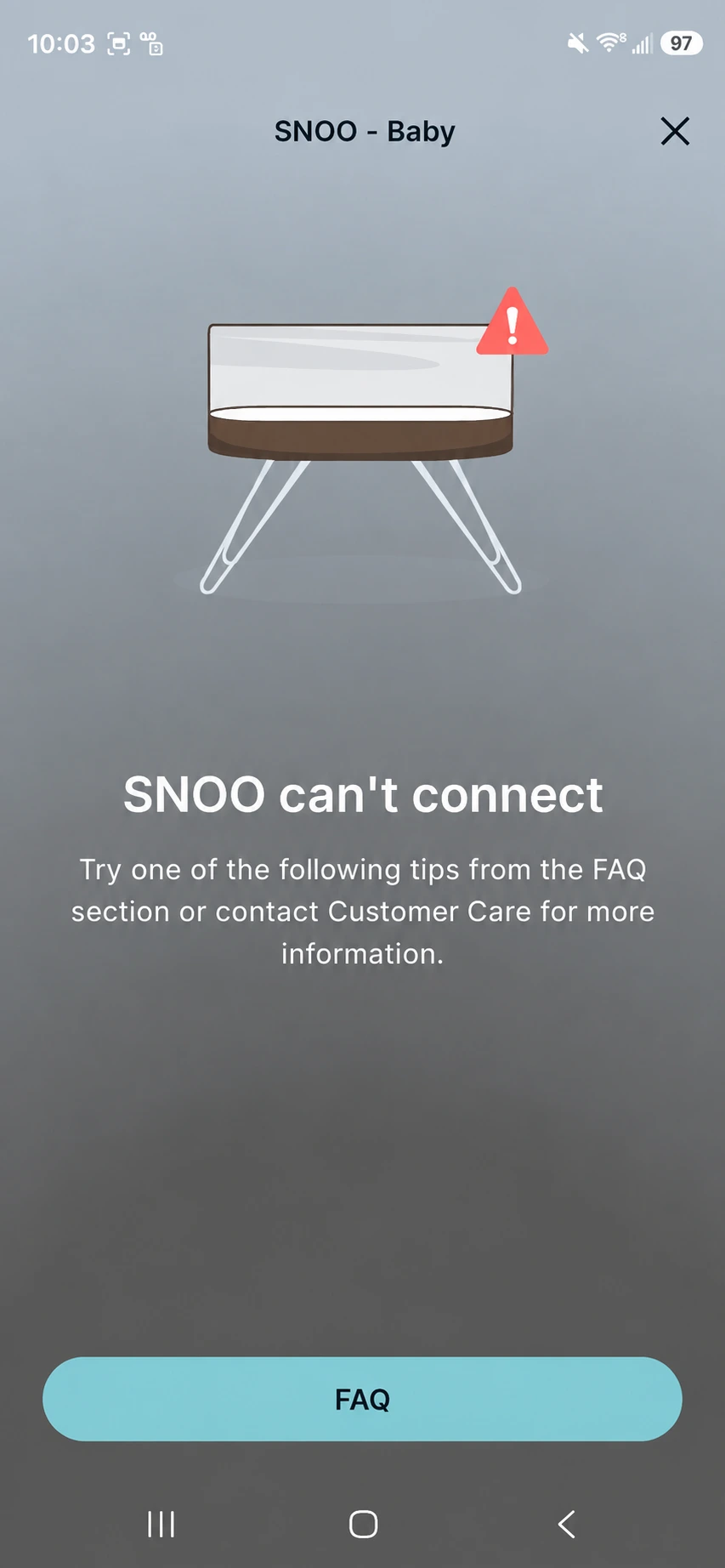
  2. The app or bassinet is disconnected.
  3. A sack wing is not fully attached to a safety clip.
  4. SNOO is locked or in a different mode than expected.
  5. Background noise is interfering.

If the activity button is blinking white, Happiest Baby says to check that both sack-wing loops are fully engaged. Remove a loop only when you are immediately taking the baby out.

Why SNOO keeps jumping up levels

Before increasing or decreasing responsiveness, check the baby and the environment. Persistent escalating cycles can mean SNOO is correctly hearing a need it cannot solve.

Look for a feed, diaper, trapped arm, incorrect sack size, room temperature issue, illness or discomfort. Our family's experience was that SNOO helped with some transfers and resettles; it did not replace caregiving. Read the honest version in our SNOO review after three months.

A daytime settings audit

Do this when everyone is awake—not during a 3 a.m. crisis:

  • Confirm the app and firmware are current.
  • Record whether Motion Limiter is on.
  • Record Motion Start Level.
  • Check Responsiveness.
  • Confirm whether Level Lock is engaged.
  • Check whether Weaning Mode is on.
  • Verify sound-volume settings.
  • Practice using the physical activity button.
  • Save the current manual and support link.

A screenshot of the working setup can help caregivers notice an accidental change later.

Safety reminders

Use the correct SNOO Sack size, attach both wings to the safety clips and keep the sleep space bare. Follow the earliest age, weight, fit or mobility limit.

The AAP recommends a separate, firm and flat infant sleep surface with the baby placed on their back. The CPSC recommends only a fitted sheet in a compliant crib, bassinet, play yard or bedside sleeper.

Frequently Asked Questions

What are the SNOO levels in order?
SNOO starts at blue baseline, then rises through purple Level 1, green Level 2, yellow Level 3 and pink Level 4. A red alert means it stopped because ongoing crying needs caregiver attention.
What level does SNOO Motion Limiter stop at?
Motion Limiter caps physical motion at green Level 2 while sound can continue through the higher response levels.
Can SNOO be locked on Level 3 or 4?
Happiest Baby currently describes Level Lock from baseline through Level 2, not the yellow or pink higher-response levels.
Why did SNOO turn red?
It could not settle continued crying and stopped. Check the baby for feeding, diapering, temperature, illness, pain, fit and the need for caregiver comfort.
Is Level Lock the same as Motion Limiter?
No. Motion Limiter allows automatic response but caps motion at Level 2. Level Lock holds one selected level and prevents automatic increases or decreases while locked.