
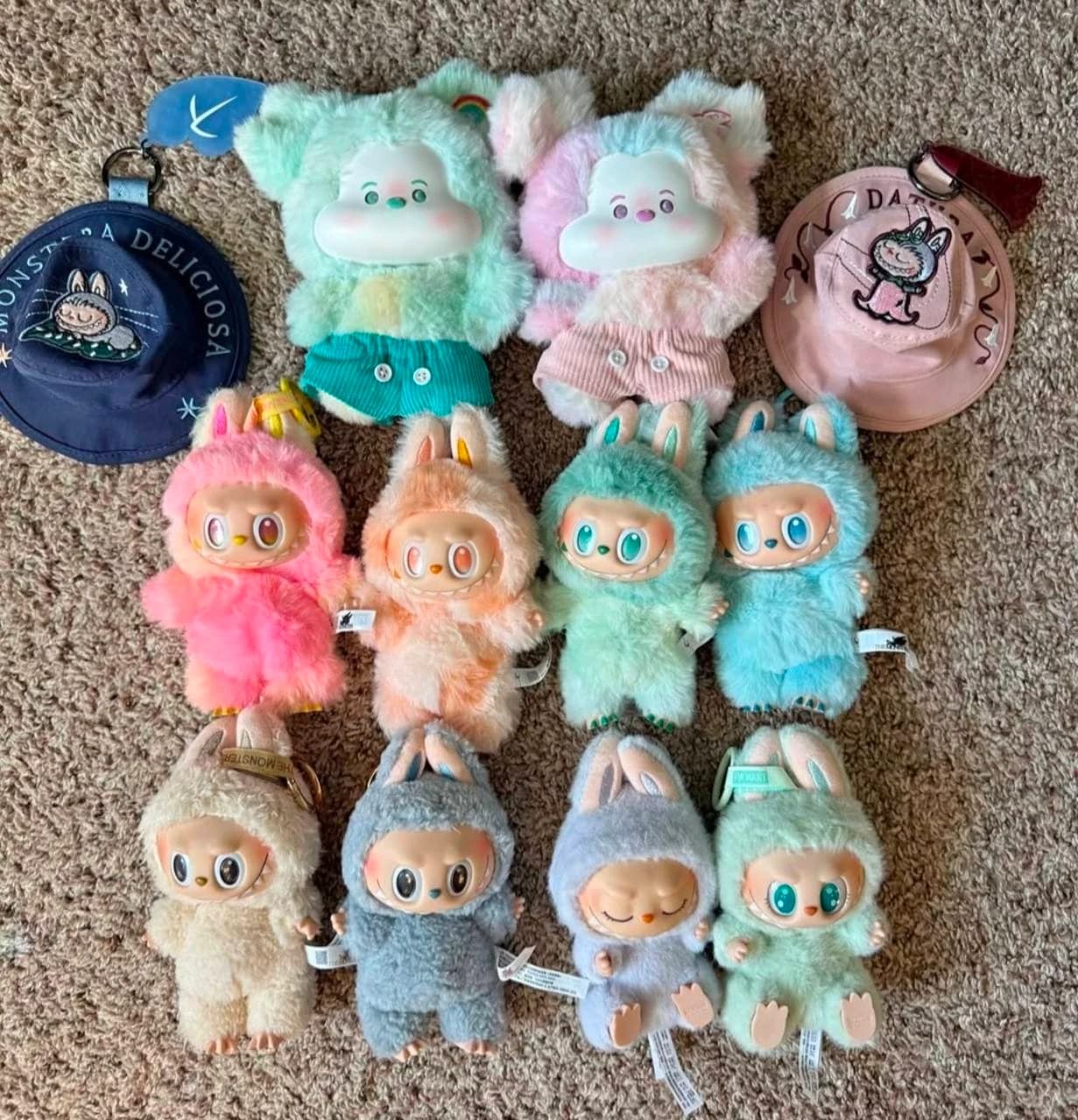
Find your nearest location on Pop Mart's official US store list, then ask whether it has the Labubu series you want. Check stock before making the trip.
Find a Labubu store near you
- Open the official store list and look for a nearby Pop Mart location.
- Confirm the address, opening hours and whether it is a staffed store or a ROBOSHOP vending machine.
- Ask for the series by name, such as Have a Seat vinyl plush or Exciting Macaron. "Do you have Labubu?" could mean several different products.
- Ask whether that item is available to buy today, whether purchase limits apply and whether the location offers a hold or pickup option.
Use a map app for directions once you've checked the location. A map listing or an old shelf photo does not show today's stock.
For a ROBOSHOP, check the machine's selection or ask Pop Mart support how to check stock at that location. Stores and machines can carry different products.
What to ask before visiting
Try: "Do you have THE MONSTERS [series name] at your [location name] store today? Is it a single blind box, a set or an opened doll?"
If you want a particular design, say so. You cannot choose what's inside a sealed blind box. The keychain guide compares sizes, and the Labubu series guide covers other releases.
Buying from an independent shop
Ask where the shop gets its dolls, whether the box and tags are included, and what the return terms cover. A Pop Mart logo on a shelf does not prove that every doll is real.
Follow Pop Mart's authenticity instructions to check the code on the box, and save the seller details. The fake Labubu checklist covers the other checks.
If there is no local option
Look for the series on Pop Mart US. If you buy from a reseller, the Labubu buying guide explains what to check.
You can also compare Labubu listings on Amazon. Check each seller's item details, delivery estimate and return terms before ordering.